Editing fillable PDFs can seem daunting, but several free tools make the process straightforward. Whether you need to add text, modify fields, or remove information, these tools can help you achieve your goals without spending a dime.
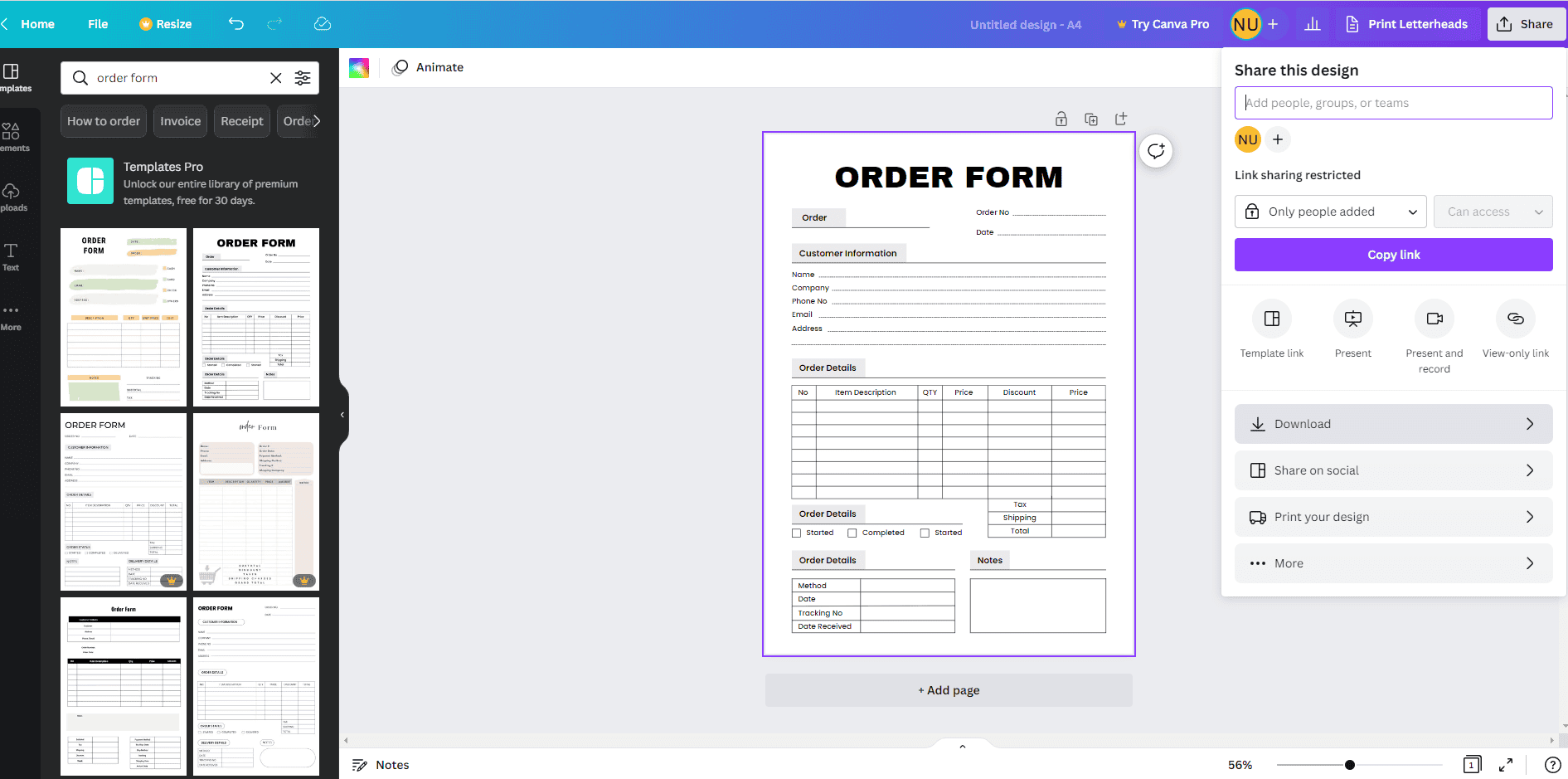
how to edit fillable pdf free
How to Edit Fillable PDF Free
Editing fillable PDFs can seem daunting, but several free tools make the process straightforward. Whether you need to add text, modify fields, or remove information, these tools can help you achieve your goals without spending a dime.
One popular option is Adobe Acrobat Reader DC. While primarily a viewer, it allows limited editing of fillable forms. Simply open your PDF, click on the “Fill & Sign” tool, and start editing. This method is user-friendly and efficient for quick changes.
Using Online Tools for Editing
Online platforms like PDFescape and Sejda offer robust features for editing fillable PDFs. These tools allow you to upload your document, make necessary changes, and download the edited version without any cost. They are accessible from any device with internet access.
To use these online tools, visit their websites and upload your PDF. You can then add text, images, or annotations as needed. Once finished, simply save your edited document to your device. This method is perfect for users who prefer not to install software.
Editing with Free Software
If you prefer offline solutions, consider using free software like LibreOffice Draw. This program allows you to open and edit PDF files directly on your computer. You can modify text fields and images easily without any limitations.
After downloading LibreOffice Draw, open your fillable PDF file. Make the necessary edits and save the document in PDF format again. This approach provides more control over the editing process while ensuring your document remains intact.
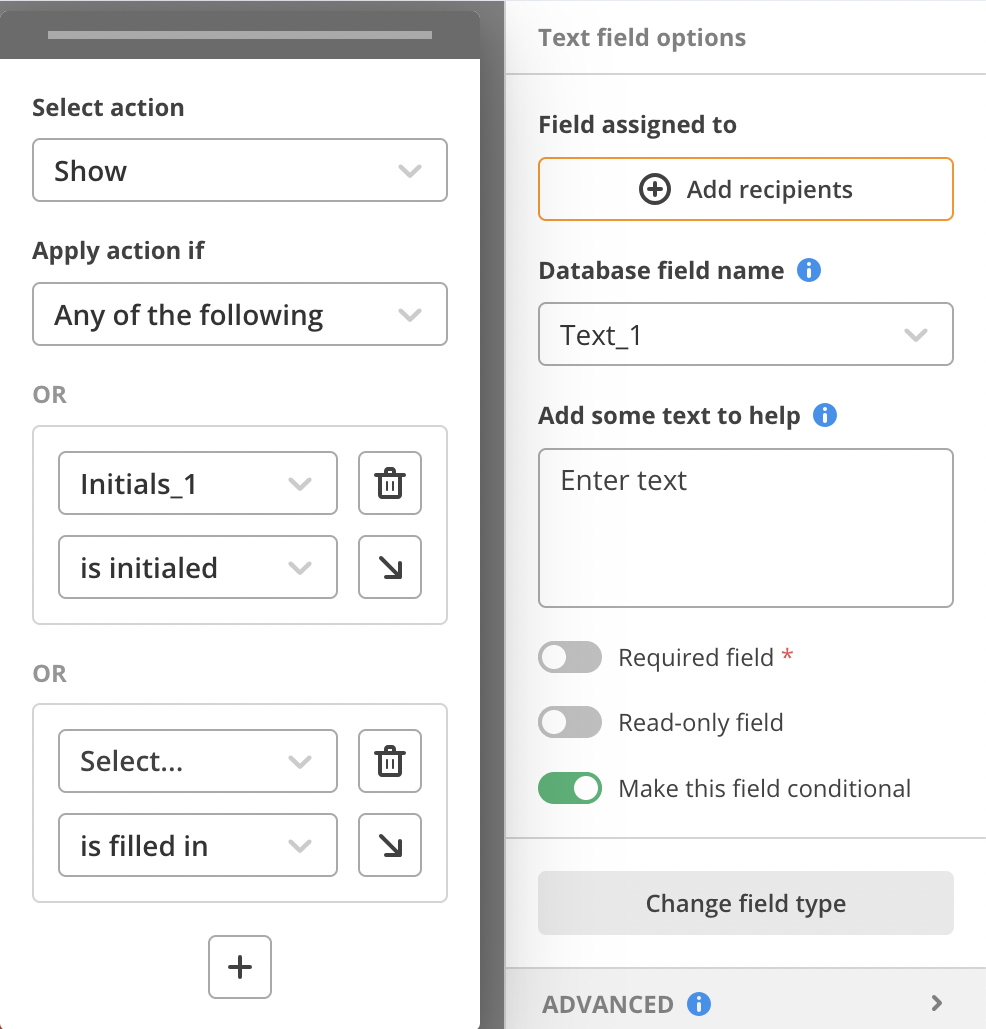
Edit Fillable Pdf Forms Online
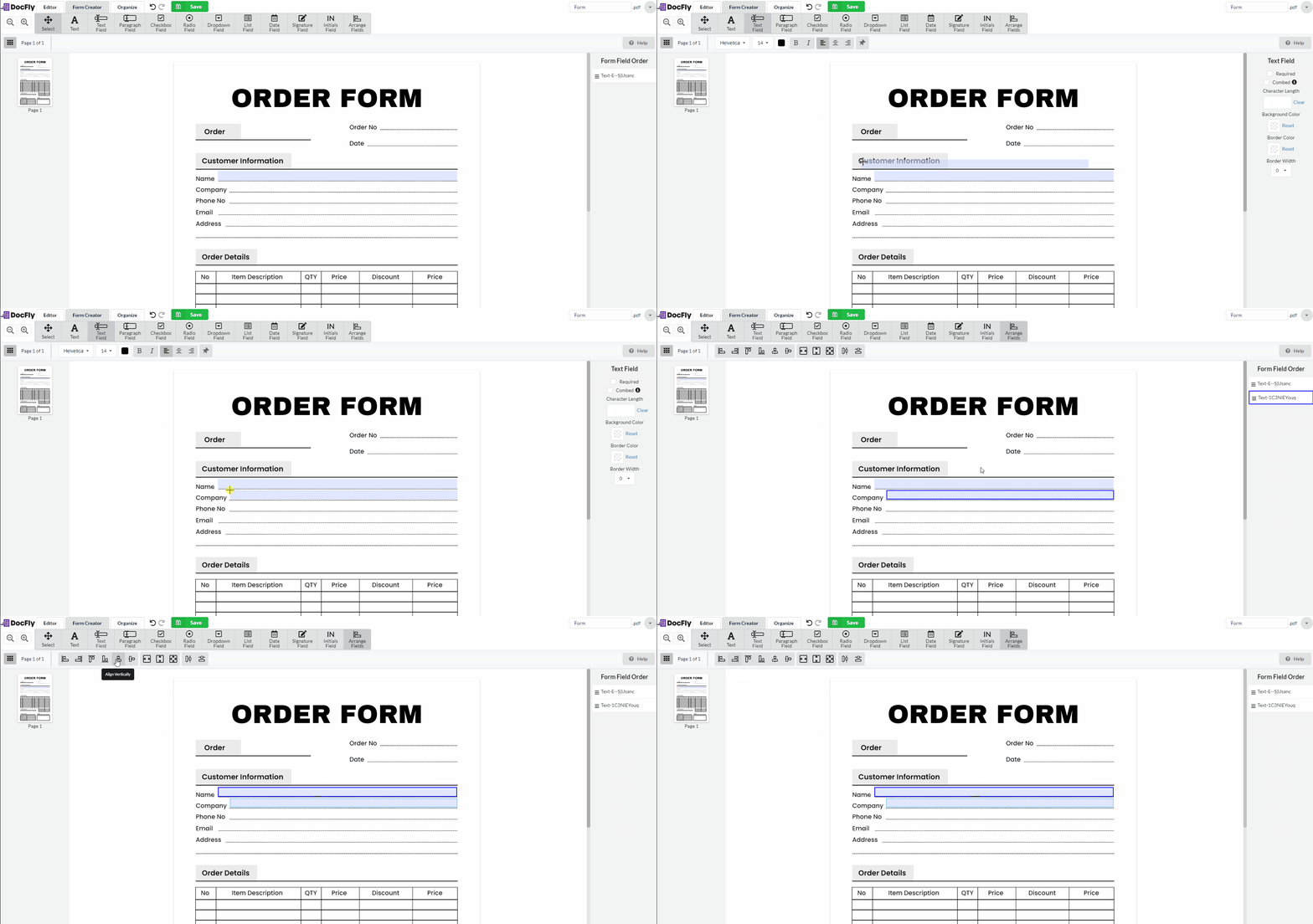
How To Make A Pdf Fillable